How Much IPv4 Space Do You Need? Block Sizes (/24, /23, /22, /21, /20) and Sizing Guide
 Stephanie
Most businesses should size IPv4 by starting at a /24 — the smallest block the global Internet will reliably route — and sizing up from there based on how many addresses their actual services consume, plus room for growth. A /24 provides 256 addresses; each step up roughly doubles that. The right size is the one that covers your real address usage and near-term growth without leaving you paying for large amounts of space you cannot justify or use.
Table of Contents
The question comes up constantly when leasing or buying IPv4, and it usually arrives tangled with a second one: what do the notations like /24, /22, or /20 actually mean? This guide answers both. It maps each common block size to the number of addresses it holds and the situations it suits, then gives a practical framework for translating your services into a block size. The goal is a decision you can defend — to a registry, to your finance team, and to your own capacity planning — rather than a guess that leaves you cramped or over-provisioned.
This is a sizing and block-size guide, not a subnetting tutorial. For the underlying mechanics of how address blocks are divided and how CIDR notation works at the bit level, see our dedicated guide to IP subnetting and CIDR; here the focus is choosing the right amount of space for a real deployment.
How Much IPv4 Do You Need? The Short Answer
Add up the public addresses your services actually require, add sensible growth headroom, then round up to the nearest routable block size — with /24 as your practical minimum. Three forces set the answer:
- The /24 floor. The global routing system generally won’t accept prefixes smaller than a /24, so /24 (256 addresses) is the practical minimum for independently announced public space, even if you need fewer addresses.
- Your real service footprint. The number of public addresses your hosting, mail, VPN, load balancers, and other services genuinely consume — which is often smaller than people first assume, and sometimes larger.
- Growth headroom. Enough spare capacity to expand without renumbering soon, but not so much that you hold — and pay for — space you can’t use or justify.
Get those three right and the block size usually chooses itself. The rest of this guide is about doing each one accurately.
IPv4 Block Sizes at a Glance
IPv4 block sizes are written in CIDR notation as a slash followed by a number — the smaller the number, the larger the block. Each step down in the prefix number (from /24 to /23 to /22) doubles the address count. Here are the sizes you’ll encounter most often when leasing or buying:
| CIDR notation | Total addresses | Equivalent | Typical use |
|---|---|---|---|
| /24 | 256 | 1× /24 | Smallest routable block; small deployments, single services, entry-level leasing |
| /23 | 512 | 2× /24 | Growing hosting, small VPN pools, businesses outgrowing a single /24 |
| /22 | 1,024 | 4× /24 | Mid-size hosting and service providers, larger VPN or SaaS deployments |
| /21 | 2,048 | 8× /24 | Larger providers, multi-service operators |
| /20 | 4,096 | 16× /24 | ISPs, large hosting platforms, sizable network operators |
A note on “usable” addresses: within a routed block, a small number of addresses are conventionally reserved when the block is subdivided into subnets (a network and broadcast address per subnet), and some cloud platforms reserve additional addresses per subnet. So the count available for hosts is slightly lower than the totals above once the block is put into use — the exact figure depends on how you subnet it. For sizing purposes, plan on close to the totals for a flat block, and account for per-subnet reservations if you’ll divide the block internally. The subdivision mechanics are covered in the subnetting and CIDR guide.
The /24 Floor: Why You Can’t Go Smaller (Publicly)
The /24 is the smallest IPv4 block that the global routing system will reliably carry, which makes it the practical minimum for publicly announced address space — regardless of how few addresses you actually need.
The reason is a routing convention rather than a hard technical law. To keep the global routing table manageable, most networks filter out announcements for prefixes longer (smaller) than /24. If you announced a /25 or /26, a large portion of the Internet would simply not accept the route, and the space would be unreachable from much of the world. As we explain in our guide to How BGP works, an address block only becomes reachable when it is announced and accepted — and announcements smaller than a /24 are widely rejected.
The practical consequences for sizing:
- A /24 is the entry point for independently routable public space. If you need only 30 or 60 public addresses but want your own announced block, a /24 is still the size you work with.
- Sub-/24 needs are usually met differently. If you genuinely need only a handful of public addresses and don’t need to announce your own block, provider-assigned addresses from within a provider’s larger block often make more sense than acquiring your own /24.
- Leasing a /24 and using part of it is common and sensible. Many businesses lease a full /24 as the minimum unit and use what they need now, with the rest as immediate growth headroom.
How Many Addresses Your Services Actually Use
Accurate sizing starts with counting the public addresses each service genuinely needs — which is often fewer than expected, because many services share addresses or sit behind a small number of public endpoints. Realistic per-category guidance:
- Web hosting. Modern web hosting is address-efficient — many sites can share a single public IP through name-based virtual hosting and reverse proxies. You need separate public addresses mainly where a site or service specifically requires its own (certain SSL setups, isolation requirements, or per-service reputation). A hosting operation serving hundreds of sites may need far fewer than hundreds of addresses.
- Mail servers. Mail is address-sensitive: each sending mail server typically wants its own clean public address with correct reverse DNS, and larger senders may separate streams (transactional vs marketing) across addresses to manage reputation. Count deliberately here — mail addresses are few in number but each one matters.
- VPN services. VPN providers can be among the heavier consumers, needing pools of addresses for endpoints and, depending on the service model, for the addresses users appear to originate from. Sizing here scales with the service design and user base.
- SaaS and multi-tenant platforms. Usually efficient at the public-address layer — many tenants sit behind a modest set of public endpoints and load balancers, with tenancy handled in software rather than by per-tenant addresses.
- Load balancers and gateways. Each public entry point consumes an address, but these are typically few — the point of a load balancer is to front many backend systems behind one (or a few) public addresses.
- DNS servers. A small number of public addresses, but important ones; operators often want them on stable, well-reputed space.
- Staging, development, and spare capacity. Real deployments need some addresses for non-production environments and operational slack — modest, but worth counting rather than forgetting.
The recurring lesson is that public-address consumption is usually driven by a handful of address-hungry services (mail, VPN endpoints, isolated services) rather than by raw server count, because well-designed infrastructure fronts many systems behind few public addresses.
Planning for Growth vs Over-Provisioning
Size for reasonable near-term growth so you don’t have to renumber or acquire more space every few months — but resist over-provisioning space you can’t use or justify, because unused addresses carry cost and, in some contexts, justification requirements.
The tension has two sides:
Under-sizing means running out and having to add space or renumber, which is disruptive — renumbering production services is exactly the kind of costly, error-prone change that good infrastructure planning avoids. A block with no headroom forces this sooner.
Over-sizing has real downsides too. You pay for addresses you don’t use (whether leasing or through the capital tied up in a purchase); large amounts of idle space still require governance and monitoring to avoid becoming a hijack target, as covered in our guide to BGP hijacking; and in contexts involving registry justification, holding far more space than you utilize can be difficult to defend. Utilization is a real consideration, not just a cost line.
A reasonable middle path: size for your current needs plus the growth you can concretely foresee over your planning horizon (commonly the next 12–24 months), rounded up to the next routable block size. That typically means choosing the block size that comfortably fits today’s usage in its lower portion, leaving the upper portion for growth — without jumping two sizes up “just in case.”
A Simple Sizing Framework
Translate services into a block size in five steps:
- Inventory your public-facing services. List everything that needs a public address: web front-ends, mail servers, VPN endpoints, load balancers, DNS, and any service requiring its own address.
- Count addresses per service realistically. Apply the guidance above — share where sharing is appropriate, assign dedicated addresses where a service genuinely needs one (especially mail). Sum the total.
- Add growth headroom. Add the address needs you can concretely foresee over your planning horizon. Be honest — foreseeable growth, not aspirational.
- Round up to a routable block size. Take your total (current + growth) and round up to the nearest block from the table: /24 for up to ~256, /23 for up to ~512, /22 for up to ~1,024, and so on.
- Apply the /24 floor. If the result is smaller than a /24 and you want independently routable space, a /24 is your size. If you need only a few addresses and don’t need to announce your own block, consider provider-assigned space instead.
The output is a defensible block size: large enough for your real usage and foreseeable growth, floored at the smallest routable unit, without excess you’d struggle to justify.
Worked Examples
These are illustrative examples, not real companies, to show the framework in action.
Example 1 — Small hosting startup. A new hosting business serves around 200 websites (mostly name-based shared hosting behind two reverse proxies), runs two mail servers, one DNS pair, and a couple of load-balanced application endpoints. Realistic public-address count: perhaps 20–40 addresses once sharing is applied, not 200. Even with generous growth headroom, this fits comfortably inside a /24 — which is also the routable minimum, making it the clear choice, with most of the block available for growth.
Example 2 — Growing VPN provider. A VPN service with an expanding user base needs pools of endpoint addresses across several regions and expects steady growth. Current need is around 400 addresses, with clear expansion planned. A /24 (256) is already too tight; the sensible size is a /23 (512) now, or a /22 (1,024) if the foreseeable growth is strong enough to justify it — avoiding a near-term renumber.
Example 3 — Multi-region SaaS platform. A SaaS company runs efficient multi-tenant infrastructure behind load balancers in several regions, with modest mail and DNS needs. Despite serving many customers, its public-address footprint is lean — perhaps 60–100 addresses. A /24 likely suffices, unless regional isolation or expansion plans push it toward a /23.
The pattern across all three: raw customer or site counts are poor proxies for address needs. Address-efficient design keeps most operations within a /24 or /23, while genuinely address-hungry models (like VPN endpoint pools) drive the larger sizes.
Does Sizing Change Whether You Buy or Lease?
Yes — the size you need, how certain that need is, and your growth trajectory all influence whether leasing or buying makes more sense. Sizing and sourcing are connected decisions:
- Uncertain, smaller, or growing needs favor leasing. If you’re not sure how much you’ll need, expect to scale, or want to start with a /24 and grow, leasing lets you match space to need over time without a large upfront commitment or the friction of acquiring and later reselling space. You can lease a /24 now and expand as usage justifies it.
- Large, stable, long-term needs may justify comparing a purchase. A business with a well-understood, durable requirement at scale can weigh the economics of buying against leasing over its planning horizon.
- The /24-and-use-part pattern. Because /24 is the routable floor, leasing a /24 and using only part of it initially is a common, sensible entry point — you get routable space immediately with built-in growth room.
For most businesses sizing their first block or scaling an existing footprint, Leasing IP Address matches address space to actual need with room to grow, while those with large, stable requirements can compare the economics of choosing to Buy IPv4 addresses outright. The sizing framework above feeds directly into that decision: once you know how much space you need and how confidently you know it, the lease-or-buy choice comes into much sharper focus.
Practical Sizing Checklist
- Inventory every service that needs a public address.
- Count addresses per service realistically — share where appropriate, dedicate where necessary (especially mail).
- Sum your current real need.
- Add concrete, foreseeable growth over your planning horizon.
- Round up to the nearest routable block size (/24, /23, /22, /21, /20).
- Apply the /24 floor — it’s the minimum for independently routable space.
- For sub-/24 needs without your own announcement, consider provider-assigned space instead.
- Account for per-subnet reservations if you’ll divide the block internally.
- Avoid over-provisioning — factor in cost and, where relevant, utilization justification.
- Use your sized need to inform the lease-vs-buy decision.
Practical Note from i.lease
The most common sizing mistakes fall into two opposite traps. The first is sizing by instinct off the wrong number — counting websites, customers, or servers and assuming each needs its own public address, which vastly overstates the requirement for most address-efficient infrastructure. The second is under-sizing to save cost and then hitting the wall a few months later, forcing a renumber or a scramble for more space at exactly the wrong moment. Both come from skipping the simple step of actually counting what your services consume and adding honest headroom.
Done properly, sizing is not complicated, and getting it right pays off in both directions: you avoid paying for space you can’t use, and you avoid the disruption of outgrowing your block. It also clarifies the sourcing decision — a business that knows it needs a /24 today with room to reach a /23 over two years is in a very different position from one that needs a stable /20 indefinitely, and those two situations point toward different choices between leasing and buying. The practical takeaway is to size from real service consumption rather than headcount, floor at the routable /24, leave sensible room to grow, and let that number guide how you source the space. That turns “how much do I need?” from a guess into a decision you can stand behind.
Final Thoughts
Sizing IPv4 comes down to three things: the /24 floor that sets your practical minimum, the real address consumption of your actual services, and enough headroom to grow without over-provisioning. Block sizes step in powers of two — /24 holds 256 addresses, /23 holds 512, /22 holds 1,024, and up — and the right one is whichever comfortably fits your current usage plus foreseeable growth, rounded up and floored at /24. The key discipline is counting from genuine service needs rather than from website or customer totals, because well-designed infrastructure fronts many systems behind relatively few public addresses.
That sized requirement does more than tell you which block to request — it sharpens every downstream decision, including whether to lease or buy. Uncertain, smaller, or growing needs point toward the flexibility of leasing, often starting with a /24 and expanding as usage justifies; large, stable, long-term needs justify weighing a purchase. Either way, the work starts the same way: inventory your services, count honestly, add sensible growth, round up, and floor at /24. Do that, and you’ll hold exactly the space your infrastructure needs — no cramped renumbering, no idle excess — with a clear, defensible answer to the question you started with.
Frequently Asked Questions
What is the smallest IPv4 block I can announce?
A /24 (256 addresses) is the smallest block the global routing system reliably accepts. Most networks filter out announcements for prefixes smaller than /24, so a /25 or smaller would be unreachable from much of the Internet. This makes /24 the practical minimum for independently routable public space.
How many IP addresses are in a /24?
A /24 contains 256 total addresses. When the block is subdivided into subnets, a small number are conventionally reserved (a network and broadcast address per subnet), and some cloud platforms reserve additional addresses, so the count usable for hosts is slightly lower depending on how you subnet it.
What does /22 mean when leasing IPv4?
A /22 is a block of 1,024 addresses — the equivalent of four /24 blocks. In CIDR notation, a smaller number after the slash means a larger block, so a /22 is bigger than a /23 (512) and much bigger than a /24 (256). It typically suits mid-size hosting, VPN, or SaaS operations.
How much IPv4 space does a VPN provider need?
It varies widely with the service model and user base. VPN providers can be heavier address consumers, needing pools for endpoints and, depending on design, for the addresses users appear to originate from — so sizing scales with the number of regions, endpoints, and users, often pushing toward a /23, /22, or larger.
Do I need a /24 if I only need 50 addresses?
If you want your own independently routable block, yes — /24 is the routable minimum even for 50 addresses. If you only need a handful of public addresses and don’t need to announce your own block, provider-assigned addresses from within a provider’s larger allocation are often a better fit than acquiring your own /24.
How much growth headroom should I plan for?
A reasonable approach is to size for current needs plus the growth you can concretely foresee over your planning horizon, commonly 12–24 months, then round up to the next routable block. Aim for real, foreseeable growth rather than aspirational excess, since over-provisioning carries cost and, in some contexts, justification requirements.
Can I lease a /24 and use only part of it?
Yes, and it’s common. Because /24 is the routable minimum, many businesses lease a full /24 as the entry unit and use what they need now, keeping the rest as immediate growth headroom. This gives you routable space right away with built-in room to expand.
What is IP utilization and why does it matter?
Utilization is the share of your address space actually in use. It matters because unused space carries cost, still needs governance to avoid becoming a security target, and — in contexts involving registry justification — holding far more than you utilize can be hard to defend. Right-sizing keeps utilization healthy.
Does block size affect the price per IP address?
Pricing depends on multiple factors including block size, registry region, market demand, and whether you’re leasing or buying. Larger blocks and specific regions can carry different per-address economics, so it’s worth comparing based on your specific size and sourcing choice rather than assuming a flat rate.
What’s the difference between a /23 and a /22?
A /23 contains 512 addresses (two /24s) and a /22 contains 1,024 addresses (four /24s) — a /22 is twice the size of a /23. Choose a /23 when your current-plus-growth need fits within about 512 addresses, and a /22 when it approaches or exceeds that, up to about 1,024.
Also Read
Artículos relacionados

¿Qué es una Carta de Autorización (LOA) en el arrendamiento de propiedad intelectual? LOA vs. ROA y qué verificar
Una Carta de Autorización (LOA) es un documento formal mediante el cual el titular registrado de un bloque de direcciones IP autoriza a otra parte a anunciar ese espacio de direcciones desde un Número de Sistema Autónomo especificado. Es el permiso escrito que conecta el derecho contractual de utilizar un espacio de direcciones con el acto técnico de enrutarlo y, sin él, los proveedores upstream generalmente se negarán aRead more Related Posts IP地址租赁中的授权书 (LOA) 是什么?LOA 与 ROA 的区别以及需要核实的内容 授权书(Letter of Authorization,LOA)是一份正式文件,由 IP 地址块的注册持有者授权另一方通过指定的自治系统编号(ASN)公告该地址空间。 它是一份书面授权,将使用地址空间的合同权利与实际进行路由公告的技术行为连接起来——如果没有 LOA,上游服务提供商通常会拒绝接受你的路由公告。 正是这种拒绝,使 LOA 在运营上具有决定性意义,而不仅仅是一项行政文件。Transit 服务提供商、数据中心和电信运营商都需要证明,公告某个前缀的一方确实获得了授权,因为接受未经授权的公告就意味着参与了一次路由劫持。Cloudflare 的 BYOIP 文档对此说明得非常明确:其 Transit 服务提供商要求在接受 Cloudflare 代表客户公告的路由之前提供 LOA,而且文件必须明确列出获得授权的前缀以及将用于公告这些前缀的 ASN。整个行业普遍都有类似要求。一家企业即使已经签署租赁协议、完成路由器配置,仍然可能因为 Qu’est-ce qu’une lettre d’autorisation (LOA) dans le cadre d’un bail de propriété intellectuelle ? LOA vs ROA et points à vérifier Une Lettre d’Autorisation (LOA) est un document officiel dans lequel le titulaire enregistré d’un bloc d’adresses IP autorise une autre What Is a Letter of Authorization (LOA) in IP Leasing? LOA vs ROA and What to Verify A Letter of Authorization (LOA) is a formal document in which the registered holder of an IP address block authorizes .related-post {} .related-post .post-list { text-align: left; } .related-post .post-list .item { margin: 5px; padding: 10px; } .related-post .headline { font-size: 18px !important; color: #999999 !important; } .related-post .post-list .item .post_thumb { max-height: 220px; margin: 10px 0px; padding: 0px; display: block; } .related-post .post-list .item .post_title { font-size: 16px; color: #3f3f3f; margin: 10px 0px; padding: 0px; display: block; text-decoration: none; } .related-post .post-list .item .post_excerpt { font-size: 13px; color: #3f3f3f; margin: 10px 0px; padding: 0px; display: block; text-decoration: none; } @media only screen and (min-width: 1024px) { .related-post .post-list .item { width: 30%; } } @media only screen and (min-width: 768px) and (max-width: 1023px) { .related-post .post-list .item { width: 90%; } } @media only screen and (min-width: 0px) and (max-width: 767px) { .related-post .post-list .item { width: 90%; } }
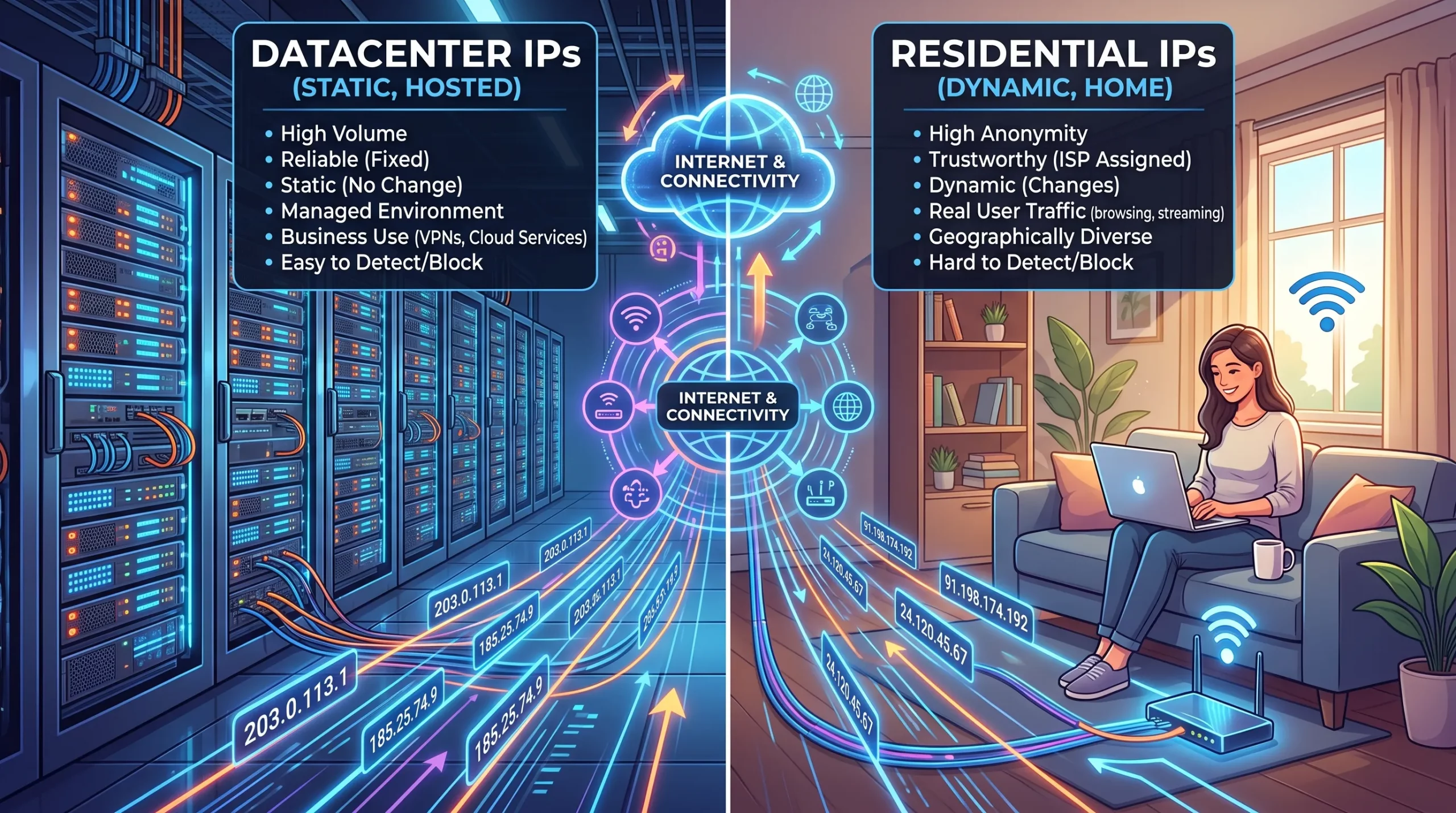
Direcciones IP de centros de datos frente a direcciones IP residenciales: ¿Cuál es la diferencia y por qué es importante?
A data center IP address originates from a commercial data center, cloud provider, or hosting company, while a residential IP address is assigned by an internet service provider to a home or business user. The difference lies in the origin: one comes from infrastructure designed to run servers; the other, from a connection designed to serve an end user. This single distinction determines how the rest of the internetRead more Related Posts ¿Qué es una Carta de Autorización (LOA) en el arrendamiento de propiedad intelectual? LOA vs. ROA y qué verificar Una Carta de Autorización (LOA) es un documento formal mediante el cual el titular registrado de un bloque de direcciones 数据中心IP地址与住宅IP地址:区别是什么?为什么这很重要? 常见问题解答 数据中心 IP 地址来源于商业数据中心、云服务提供商或托管公司,而住宅 IP 地址则由互联网服务提供商分配给家庭或企业用户。 两者的区别在于来源:一种来自为运行服务器而建设的基础设施,另一种来自为终端用户提供连接而建设的网络。正是这一根本区别,决定了互联网其他系统如何看待来自这两类地址的流量。 这个话题通常只会在代理和反检测的狭窄语境下被讨论,因此很容易形成片面的认知。实际上,数据中心 IP 与住宅 IP 的区别,对任何运营互联网基础设施的人都很重要,因为它会影响一个地址天然具有多少信任度、网站和安全系统如何响应它,以及这个地址适合什么用途。几乎所有合法的商业互联网基础设施——包括你使用的每个网站、API、邮件服务器和云服务——都运行在数据中心 IP 地址空间上,而这本来就是正确的使用方式。重点并不是哪一种更好、哪一种更差;而是它们服务于不同目的,也会受到不同方式的对待。了解自己正在使用或真正需要哪一种,可以避免许多本来可以避免的问题。 本文将解释这两种 IP 地址分别是什么、系统如何区分它们、为什么它们会受到不同对待,以及这种差异对于在公共 IPv4 地址空间上部署真实服务的企业意味着什么——包括它与地址信誉、地理定位以及不同使用场景究竟需要哪种地址空间之间的关系。 数据中心 Adresses IP de centres de données vs adresses IP résidentielles : quelle est la différence ? Pourquoi est-ce important ? Une adresse IP de centre de données provient d’un centre de données commercial, d’un fournisseur cloud ou d’une société d’hébergement, .related-post {} .related-post .post-list { text-align: left; } .related-post .post-list .item { margin: 5px; padding: 10px; } .related-post .headline { font-size: 18px !important; color: #999999 !important; } .related-post .post-list .item .post_thumb { max-height: 220px; margin: 10px 0px; padding: 0px; display: block; } .related-post .post-list .item .post_title { font-size: 16px; color: #3f3f3f; margin: 10px 0px; padding: 0px; display: block; text-decoration: none; } .related-post .post-list .item .post_excerpt { font-size: 13px; color: #3f3f3f; margin: 10px 0px; padding: 0px; display: block; text-decoration: none; } @media only screen and (min-width: 1024px) { .related-post .post-list .item { width: 30%; } } @media only screen and (min-width: 768px) and (max-width: 1023px) { .related-post .post-list .item { width: 90%; } } @media only screen and (min-width: 0px) and (max-width: 767px) { .related-post .post-list .item { width: 90%; } }
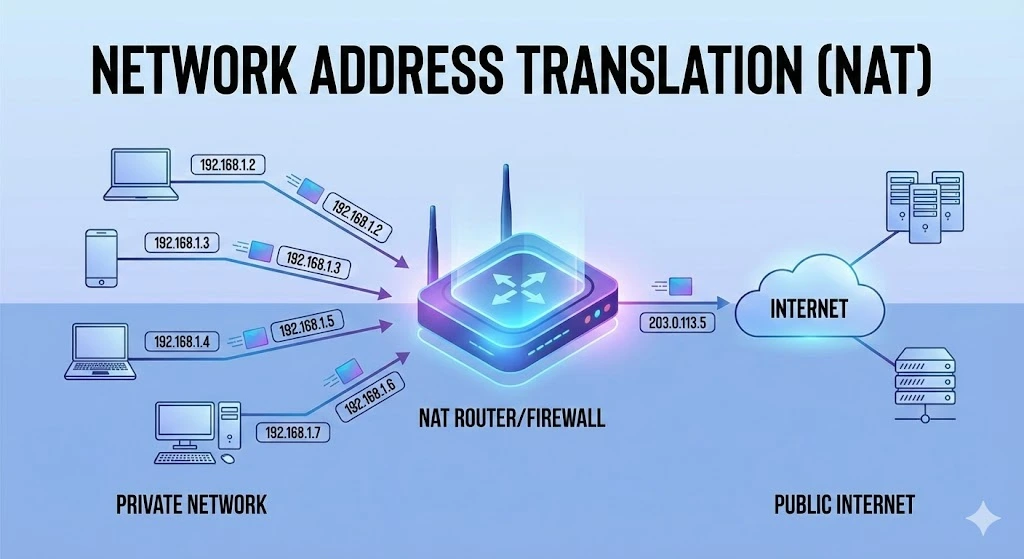
Comprensión de la traducción de direcciones de red (NAT)
En las redes informáticas, gestionar las direcciones IP de forma eficiente es fundamental para garantizar una comunicación fluida entre los dispositivos. Una de las tecnologías clave que ha surgido para afrontar este desafío es la Traducción de Direcciones de Red (NAT, por sus siglas en inglés). En este artículo explicamos qué es NAT, cómo funciona, sus distintos tipos, así como sus ventajas y limitaciones. ¿Qué es la traducción deRead more Related Posts ¿Qué es una Carta de Autorización (LOA) en el arrendamiento de propiedad intelectual? LOA vs. ROA y qué verificar Una Carta de Autorización (LOA) es un documento formal mediante el cual el titular registrado de un bloque de direcciones Direcciones IP de centros de datos frente a direcciones IP residenciales: ¿Cuál es la diferencia y por qué es importante? A data center IP address originates from a commercial data center, cloud provider, or hosting company, while a residential IP Desbloqueando la privacidad digital con una red privada virtual (VPN) ¿Qué es una VPN? Una red privada virtual (VPN) es una tecnología que permite a los usuarios crear una conexión .related-post {} .related-post .post-list { text-align: left; } .related-post .post-list .item { margin: 5px; padding: 10px; } .related-post .headline { font-size: 18px !important; color: #999999 !important; } .related-post .post-list .item .post_thumb { max-height: 220px; margin: 10px 0px; padding: 0px; display: block; } .related-post .post-list .item .post_title { font-size: 16px; color: #3f3f3f; margin: 10px 0px; padding: 0px; display: block; text-decoration: none; } .related-post .post-list .item .post_excerpt { font-size: 13px; color: #3f3f3f; margin: 10px 0px; padding: 0px; display: block; text-decoration: none; } @media only screen and (min-width: 1024px) { .related-post .post-list .item { width: 30%; } } @media only screen and (min-width: 768px) and (max-width: 1023px) { .related-post .post-list .item { width: 90%; } } @media only screen and (min-width: 0px) and (max-width: 767px) { .related-post .post-list .item { width: 90%; } }
