IP address problems: match the symptom to the failing boundary
An IP address problem is rarely fixed by changing the address alone. First decide whether the device lacks a usable address, has the wrong prefix or gateway, conflicts with another host, resolves the wrong name, crosses a NAT or firewall boundary, or depends on a route that is missing upstream. A successful test at one layer does not prove that the next layer works.
| Symptom | Evidence to capture | First boundary to check |
|---|---|---|
No usable address, 0.0.0.0, or only an IPv4 link-local address | Interface state, address source, DHCP lease, VLAN or Wi-Fi network, and timestamp | Local link and address assignment. An address in 169.254.0.0/16 can work on one local link but does not provide ordinary routed IPv4 access. |
| Intermittent local access or duplicate-address warning | Two MAC addresses, ARP observations, switch port, lease records, and conflict time | Same-link duplicate IPv4 use or stale static configuration |
| Local peers work but other networks do not | Address, prefix length, default gateway, route table, and gateway reachability | Subnet calculation, gateway selection, or upstream route |
| A numeric destination works but a hostname does not | DNS server, queried name and type, returned records, TTL, and application error | DNS resolution or address-family selection |
| Outbound access works but a new inbound connection fails | Listener, protocol, port, firewall rule, public endpoint, NAT mapping, and external test | Service listener, firewall, NAT, CGNAT, or return path |
| The router address differs from the public address seen online | WAN IPv4, observed public IPv4, VPN or proxy state, and provider service design | Local NAT, upstream NAT, CGNAT, or a different egress path |
| A public prefix is registered but unreachable | Exact CIDR, origin ASN, LOA, IRR and RPKI state, BGP observations, filters, and return route | Route authorization, upstream acceptance, announcement, or service path |
IP address troubleshooting checklist
1. Capture evidence before changing the network
Record the time and time zone, affected device and interface, IPv4 and IPv6 addresses, prefix lengths, default gateways, DNS servers, DHCP lease details, route table, nearby working control, destination, protocol, port, and exact error. For an intermittent issue, preserve the before-and-after state. Do not publish credentials, private keys, full customer logs, or unrelated personal data.
Test the same application from a known working device or network where possible. A single failed ping is not a diagnosis: a host can block ICMP while the application works, and a successful ping does not prove that DNS, TCP, TLS, or the service is healthy.
2. Check the interface, address, and scope
- Confirm the intended interface is up. A device can prefer Wi-Fi, Ethernet, a VPN, a container bridge, or another route that you did not intend to test.
- Identify the address source. Determine whether the address is static, assigned by DHCP, configured through IPv6 Stateless Address Autoconfiguration, or installed by a tunnel or orchestration system.
- Classify the address. RFC 1918 private IPv4 ranges, the RFC 6598 shared range
100.64.0.0/10, link-local space, loopback space, documentation ranges, and globally routable space have different purposes. Use the IANA IPv4 Special-Purpose Address Registry rather than guessing from appearance. - Compare the prefix and gateway. Verify that the configured gateway is reachable through an on-link route and that the prefix length matches the network design. A correct address with the wrong mask can make some destinations appear local and send others to the wrong gateway.
3. Diagnose duplicate IP address conflicts on the same link
An IPv4 address conflict exists when multiple interfaces use the same address on the same link. The same private address can legitimately appear on separate isolated networks. RFC 5227 defines IPv4 Address Conflict Detection through ARP probing and announcements; IPv6 uses Duplicate Address Detection as part of stateless autoconfiguration.
- Correlate the reported address with current ARP or neighbor observations, switch information, DHCP leases, reservations, and static-address records.
- Find every device claiming the address. Avoid assigning a new address blindly, because that can hide the source and create another collision.
- Correct the source of truth: remove a stale static address, repair an overlapping DHCP pool, restore the intended reservation, or isolate the wrong VLAN.
- Clear or refresh stale neighbor state only after the ownership error is fixed, then verify both hosts and their gateway path.
4. Check DHCP and address assignment
DHCP coordinates offered configuration and time-limited address leases; it does not prove that the gateway, DNS server, or wider route works. If a client cannot obtain or renew a lease, check the client link, VLAN, relay path, server availability, address-pool capacity, reservations, policy, and the complete request-and-reply exchange described by RFC 2131.
When a lease exists, compare the assigned address, prefix, gateway, DNS and lease lifetime with a working client on the same intended network. A DHCP success with configuration from the wrong VLAN or relay can produce a fully formed but unusable lease.
5. Separate subnet, gateway, and routing failures
- Verify the destination falls inside or outside the local prefix as intended.
- Check the selected route and next hop for the exact destination. The default route is used only when no more specific route wins.
- Test the gateway from the affected interface, then a destination beyond it. Record where the path stops without assuming that the last visible hop caused the failure.
- Check the return route. Forward traffic can leave correctly while replies follow a different path or are filtered.
- Compare IPv4 and IPv6 separately. A dual-stack hostname may select two different network paths and fail on only one address family.
6. Distinguish DNS, firewall, and application failures
Query the needed DNS record type and compare the answer with the intended service. Test the returned address directly only when the application protocol allows it; HTTPS certificates, virtual hosting, proxies, and CDNs can require the original hostname. A stale or incorrect DNS answer is different from a correct address whose route or service fails.
At the destination, verify that the service listens on the expected address, protocol, and port. Then check host, network, cloud, and upstream policy in order. Keep authentication enabled and open only the required path. Disabling a firewall broadly can create a security incident without proving which rule was wrong.
Public IP, private IP, NAT, and shared-address problems
Private IPv4 addresses in 10.0.0.0/8, 172.16.0.0/12, and 192.168.0.0/16 are not globally routed. The shared range 100.64.0.0/10 is reserved for service-provider use and is also not globally routable. Read the public vs private IP guide for address scope and the CGNAT guide for provider-side sharing checks.
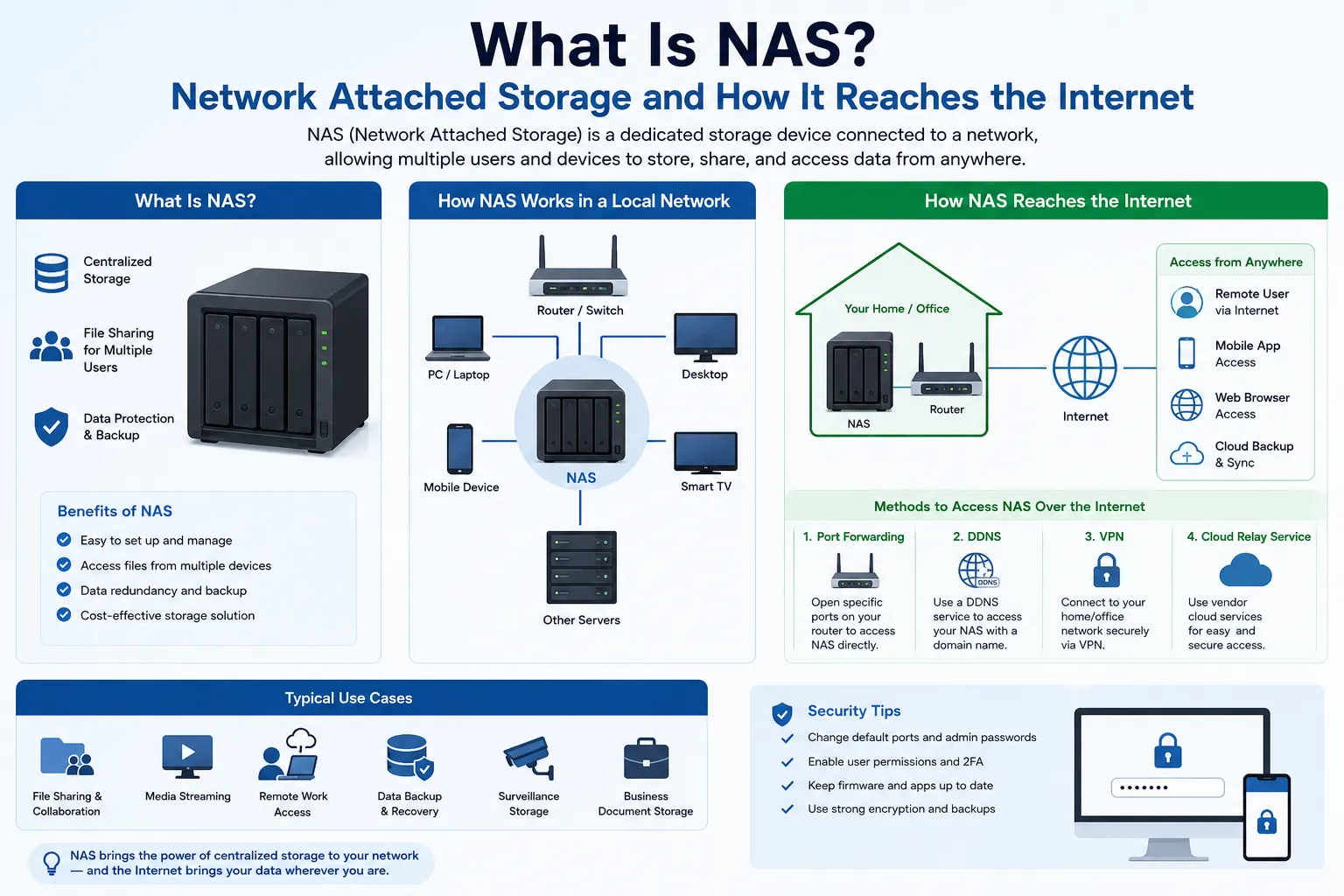
Network Address Translation creates state that maps traffic across an address boundary. Outbound success does not create a permanent path for unrelated inbound connections. For inbound access, verify the local listener, firewall, translation or relay, provider policy, public endpoint, DNS, and return path. A home-router port-forward does not configure an upstream provider NAT. The NAT guide explains translation and troubleshooting boundaries in more detail.
| Question | Evidence | What the evidence does not prove |
|---|---|---|
| What address does the interface use? | Address, prefix, interface, gateway, and source of configuration | Which address the public destination sees |
| What public address does the destination see? | IPv4 or IPv6 observed from the affected connection, with VPN and proxy state | That the address is dedicated, static, or reachable inbound |
| Is NAT involved? | Address boundary, mapping, protocol, ports, timeout, and operator | That NAT is the firewall or the only filter |
| Is the public address shared? | Provider confirmation, service description, WAN address, and mapping options | Which subscriber used it without a protocol, source port, precise time, and provider records |
Troubleshoot a routed public IPv4 prefix
Registration, authorization, routing, security policy, and application delivery are separate states. If an allocated, transferred, or leased prefix is unreachable, verify them in this order:
- Authority: exact CIDR, current resource records, contract or assignment, and a Letter of Authorization where the upstream requires one.
- Route intent: origin ASN, announcement length, upstream acceptance, prefix filters, IRR objects, and the intended RPKI Route Origin Authorization.
- Observed routing: fresh BGP observations from more than one external vantage point. A locally installed route is not proof of global propagation.
- Data path: forwarding, return route, firewall, NAT or load-balancer state, service listener, DNS, and independent external tests.
- Operations: monitoring, abuse contact, reputation observations, renewal, change ownership, withdrawal, and return.
Publishing a registry or RPKI record does not announce a route, and a visible BGP route does not prove that an application is reachable. Use the BGP guide and RPKI guide to verify those controls independently.
IP spoofing and source-address controls
An IP address alone does not authenticate a person, device, or subscriber. Source addresses can be spoofed where networks do not filter them, and shared or translated addresses require ports and precise timestamps for useful attribution. Ingress filtering and unicast Reverse Path Forwarding can reduce spoofed traffic, but RFC 3704 describes trade-offs for asymmetric and multihomed networks.
Apply source-address validation at an appropriate boundary, monitor dropped traffic, and test legitimate asymmetric paths before enforcing a strict mode. Intrusion detection can add observations; it does not replace authentication, authorization, patching, firewall policy, or route controls.
Escalate an IP address problem with useful evidence
| Owner | Send this evidence | Ask them to verify |
|---|---|---|
| LAN, Wi-Fi, or DHCP operator | Device, interface, VLAN, address, prefix, gateway, lease, MAC, conflict time, and working comparison | Link, segmentation, address pool, reservation, relay, duplicate use, and gateway configuration |
| DNS or application owner | Name, record type, resolver, answer, TTL, destination, protocol, port, TLS or application error, and timestamp | Authoritative data, cache, listener, virtual host, certificate, proxy, and application health |
| ISP or access provider | Account or circuit reference, WAN address, public egress, affected family, destination, time, path evidence, and inbound requirement | Access state, shared-address design, mapping options, filters, route, return path, and outage |
| Upstream or routed-prefix operator | CIDR, origin ASN, authorization, IRR and RPKI state, observed announcement, service path, and change window | Prefix acceptance, route policy, propagation, handoff, filtering, withdrawal, and escalation ownership |
Prepare a public IPv4 operating handoff
If the problem is capacity or a routed-prefix requirement rather than a local fault, define the prefix size, region, origin ASN, upstream, handoff, protocols, ports, inbound needs, RPKI and IRR responsibilities, monitoring, abuse handling, renewal, and return plan. Then review managed IPv4 leasing or describe the network requirement. Obtaining an address does not repair a local DHCP, subnet, DNS, firewall, or application problem.
Common IP address issues FAQ
Why does my device say it has an IP address conflict?
Two interfaces may be claiming the same IPv4 address on the same link. Correlate ARP observations, MAC addresses, switch ports, DHCP leases, reservations, and static configuration, then correct the source of the duplicate assignment.
Why do I have an IP address but no Internet access?
The address can be valid while the prefix, gateway, DNS, upstream route, firewall, NAT, or application path fails. Compare the complete configuration with a working device and test each boundary in order.
What does a 169.254 IPv4 address mean?
It is IPv4 link-local space. A host can use it for communication on one local link, but it does not provide normal routed IPv4 Internet access. Check whether the intended network should have supplied another address.
How can I tell whether the problem is DNS or the IP route?
Record the DNS answer and test the intended destination while preserving the hostname where the protocol requires it. A numeric path that works while name resolution fails points toward DNS; a correct answer with an unreachable address points toward routing, filtering, or the service path.
Why does port forwarding fail even when outbound Internet works?
Outbound traffic can create temporary NAT state for replies. A new inbound connection also needs a listening service, firewall permission, a valid mapping or relay, provider support, a public endpoint, and a return path. Upstream CGNAT cannot be configured by a rule on the home router alone.
Does changing my IP address fix an IP ban or reputation problem?
It may change one observed address, but it does not fix the cause, account state, workload behavior, receiver policy, shared-address history, or wider prefix reputation. Collect the receiver's evidence and resolve the underlying issue.
Does a public IP address guarantee inbound access?
No. The address still needs a route, return path, listener, firewall policy, and any required NAT or load-balancer configuration. A provider can also restrict inbound traffic under the service terms.
Can an IP address identify the person who caused traffic?
Not by itself. Useful attribution can require the public address, address family, protocol, source port, precise time and time zone, translation or provider logs, and other evidence obtained under the applicable process.
Primary sources
- RFC 5227: IPv4 Address Conflict Detection
- RFC 2131: Dynamic Host Configuration Protocol
- RFC 1918: Address Allocation for Private Internets
- RFC 6598: Shared Address Space
- RFC 4862: IPv6 Stateless Address Autoconfiguration and Duplicate Address Detection
- RFC 4787: NAT behavioral requirements for UDP
- RFC 3704: Ingress filtering for multihomed networks
- IANA IPv4 Special-Purpose Address Registry