Are public IP addresses dangerous? The short answer
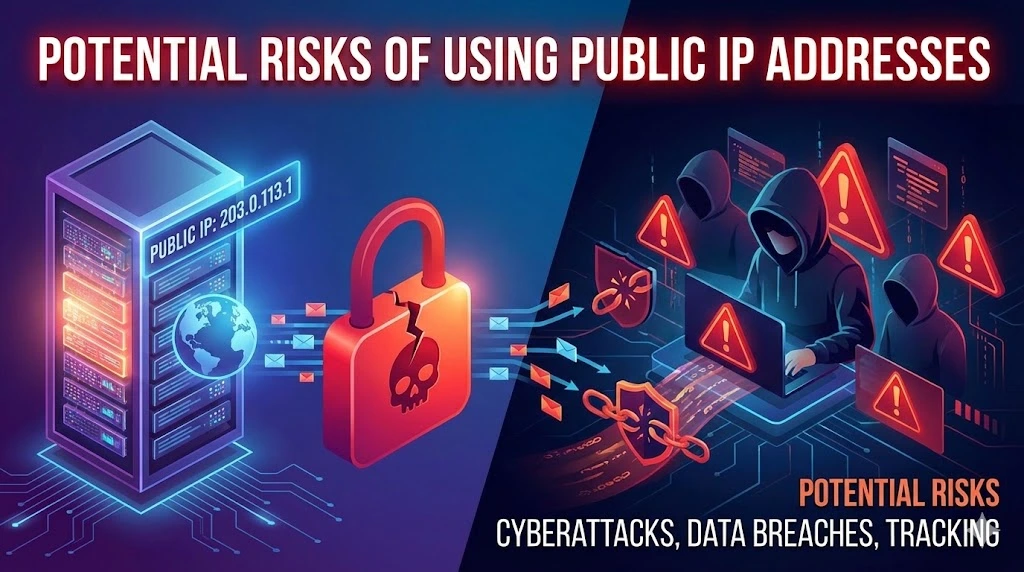
A public IP address being visible is normal and does not by itself mean that a device is unsafe, hacked, or identifiable to a person. Every Internet service you connect to can observe the source address used for that connection. Risk increases when the address also leads to an unintended reachable service, weak authentication, unpatched software, an exposed management interface, or infrastructure that cannot absorb abusive traffic.
Treat address visibility, network reachability, service exposure, vulnerability, and compromise as separate facts. A firewall can block traffic to a publicly routed address. A listening service can be securely configured. A private address can still be attacked from inside its network. The useful question is not simply “Is the IP public?” but “Which traffic can reach which service, under whose policy, with what identity, monitoring, and recovery?”
What can someone learn from a public IP address?
| Observation | What it may show | What it does not prove |
|---|---|---|
| Registry and routing data | The registered network organization, prefix, contacts, route origin, and autonomous system visible in public data | The person using one connection, the owner of a device, or the legitimacy of every route |
| IP geolocation | An estimated country, region, city, or network location, depending on the database and its accuracy radius | An exact home, office, GPS position, or current physical location of a person |
| Reverse DNS | A PTR name configured by the address operator, when one exists | An independently verified hostname, user identity, or precise location |
| Connection logs | That the address contacted a service at a recorded time, often with ports and protocol | Which person or private device acted when NAT, proxies, VPNs, shared access, or reassignment are involved |
| Authorized service test | Whether a permitted test can reach a port and identify a responding protocol | That a vulnerability is exploitable or that the system has been compromised |
An IP address alone does not reveal files, passwords, browsing history, or a person's exact address. Additional records can change the attribution picture: a provider may hold time-bounded subscriber and translation logs, and an organization may correlate network, identity, device, and application events. Those records are separate evidence and should not be inferred from a public lookup. For a deeper comparison, see what information an IP address can reveal.
Exposure, reachability, vulnerability, and compromise
| Stage | Meaning | Useful evidence |
|---|---|---|
| Address observed | A website, email system, peer, log, or public record contains the address | The exact address, timestamp, source, address family, and whether it was current |
| Network path reachable | Traffic from a specific source can reach the address under current routing and firewall policy | Route, firewall decision, packet telemetry, and an authorized external test |
| Service exposed | A process responds on a reachable protocol and port | Service owner, purpose, version, authentication, allowed sources, and configuration |
| Vulnerability present | A flaw or weak control affects the exposed service in its actual configuration | Vendor advisory, version and configuration match, validated finding, and compensating controls |
| Compromise confirmed | An attacker used access or caused an unauthorized effect | Correlated logs, alerts, changed state, forensic evidence, and incident timeline |
Moving from one row to the next requires evidence. Internet scanning is common, but a scan is not proof of successful access. Conversely, the absence of a public alert does not prove that a service is safe. Inventory and test the actual path under authorization, then fix the first control that does not match the intended design.
Public IPv4, private IPv4, NAT, and IPv6
Public and private IP addresses describe routing scope, not a security grade. RFC 1918 private IPv4 addresses are not routed across the public Internet. A home or business router commonly translates outbound connections to a public IPv4 address, so many private devices may share one visible address.
NAT state often prevents an unsolicited inbound connection from reaching a private device unless a port forward, automatic mapping, relay, or existing connection provides a path. That behavior can reduce exposure, but NAT does not authenticate users, patch software, inspect every application request, or replace an explicit firewall policy. Review how NAT works and how carrier-grade NAT changes sharing and inbound reachability.
IPv6 commonly gives an interface one or more globally routable addresses without address translation. Global scope does not mean every port is open: routes, host and network firewalls, and listening services still decide whether a connection succeeds. Temporary IPv6 addresses can reduce long-term correlation based on a stable interface identifier, but they do not hide the network prefix, secure an exposed service, or provide anonymity.
The main risks of using a public IP address
| Risk | What raises it | Controls to verify |
|---|---|---|
| Unsolicited scanning | A publicly routed path and broad firewall rules | Default-deny inbound policy, required-source allowlists, service inventory, and useful logging |
| Service exploitation | Unneeded ports, unsupported software, exposed administration, or a vulnerable application | Minimize services, patch, harden configuration, separate management, and validate fixes |
| Credential attacks | Internet-facing login, reusable passwords, weak recovery, or no attempt controls | Phishing-resistant MFA where supported, unique credentials, rate controls, and authentication monitoring |
| DDoS and resource exhaustion | Publicly reachable capacity with no upstream absorption or application limits | Provider response path, DDoS protection, CDN or reverse proxy where appropriate, rate limits, capacity tests, and failover |
| Correlation and approximate location | A stable address reused across sessions or services and third-party data that links observations | Limit unnecessary publication, understand VPN or proxy scope, rotate addresses only when it serves a defined need, and avoid identity claims from address data alone |
| Address reputation | Previous or current abusive traffic, shared use, weak egress control, or stale third-party data | Monitor relevant lists and application delivery, preserve assignment history, stop abuse, and document remediation |
| Operational misconfiguration | Untracked port forwards, permissive cloud rules, forgotten test systems, or IPv6 policy gaps | Authoritative inventory, reviewed changes, configuration checks across both address families, expiry dates, and rollback |
Is it safe to share a public IP address?
Sharing a public IP is often routine: it appears in server DNS, mail headers, access logs, network troubleshooting, and every connection to an Internet destination. The address alone does not provide access. Still, do not publish it without a reason. A stable address can help someone correlate activity, focus scans or abusive traffic, or identify the network and approximate area.
When asking for support, share the exact address only in the provider's trusted channel and include the relevant timestamp, time zone, protocol, and expected service. Remove or mask it from public screenshots and forums when the full value is unnecessary. Do not obscure it in private incident evidence that authorized responders need to correlate. Never post credentials, firewall exports, private keys, or internal topology with it.
What should you do if your public IP was leaked?
- Confirm the event. Record where the address appeared, when it was observed, whether it is IPv4 or IPv6, and whether it is still assigned to you. Do not assume that an old or shared address identifies the current user.
- Check intended exposure. Review router port forwards, automatic mappings, cloud security rules, load balancers, VPN gateways, and both host and network firewalls. Use only authorized external tests.
- Remove what is not required. Close unused ports, disable public administration, restrict management to an authenticated path, and remove stale DNS or forwarding rules.
- Harden required services. Patch supported software, verify configuration, use strong authentication, limit sources where practical, protect secrets, and confirm that logging is useful.
- Look for evidence, not fear. Review authentication, firewall, application, endpoint, and provider alerts around the relevant time. Failed probes alone are not a compromise; unexplained successful access or state changes need incident response.
- Prepare for availability attacks. If threats or traffic are active, contact the ISP, hosting provider, CDN, or DDoS provider through the documented response path. Changing the address may interrupt one attack but does not repair the exposed service or prevent discovery of a new address.
- Escalate confirmed compromise. Preserve evidence, contain affected systems through the organization's incident process, rotate exposed credentials or keys, and recover from a known-good state.
Public IP checklist for a home or small office
- Keep the router, modem, access points, cameras, storage devices, and other reachable products supported and updated.
- Use unique administrator credentials and MFA when available; disable Internet-side administration unless there is a documented need and protected access path.
- Review manual port forwards and automatic mappings such as UPnP. Remove entries that no longer have a named owner and purpose.
- Keep the router and device firewalls enabled. Check IPv4 and IPv6 separately instead of assuming one setting covers both.
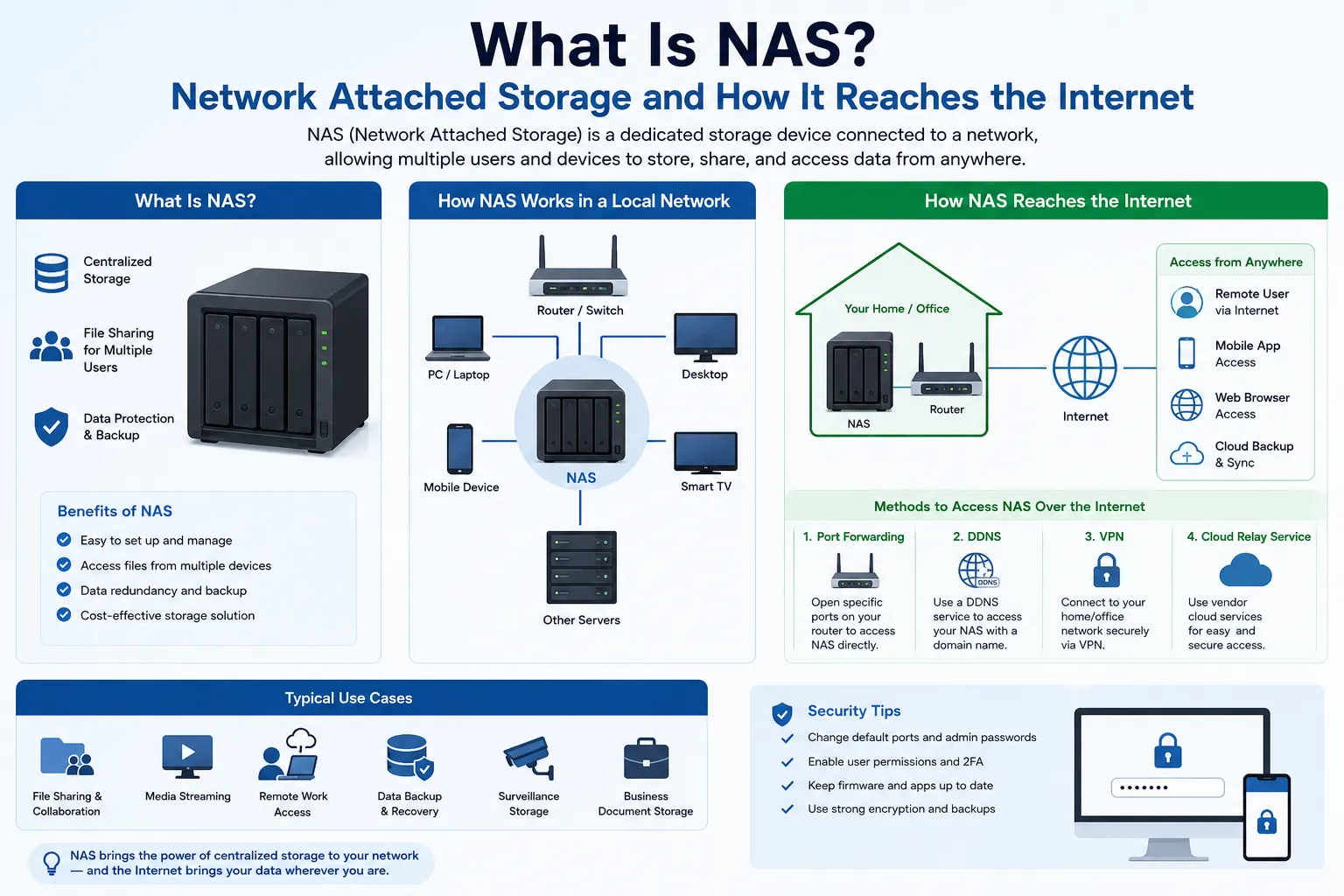
- Prefer an authenticated VPN or vendor-supported brokered connection for remote access over directly exposing a device's administration page.
- Record important settings before changes and keep a tested recovery path that does not depend on the exposed device.
Public IP checklist for a business service
- Define the service boundary: name the owner, users, protocols, ports, source networks, data sensitivity, availability target, and end date.
- Separate public and management paths: place externally facing services in an appropriate security zone and keep administration behind an authenticated, restricted route.
- Reduce application exposure: use a reverse proxy, web application firewall, CDN, or gateway when it matches the service; allow only required traffic and test failure behavior.
- Operate the lifecycle: patch within a defined window, scan only under authorization, monitor authentication and service health, expire temporary rules, and rehearse rollback and incident contacts.
- Protect availability: document upstream DDoS capabilities, traffic-diversion authority, rate limits, capacity thresholds, provider contacts, and how customers will be informed during an event.
- Preserve attribution evidence: synchronize time and retain the source address, source port where relevant, destination, protocol, and application identity according to policy.
Public IPv4 risk in leasing and address operations
Organizations that lease or route public IPv4 space have risks beyond one server. Before use, verify the exact prefix, lessor or holder authority, route origin, Letter of Authorization where required, IRR and RPKI responsibilities, reverse DNS, geolocation, reputation evidence, abuse contacts, monitoring, renewal, replacement, return, and renumbering plan. A prefix can be properly authorized yet still have stale geolocation or reputation records; those are separate operating tasks.
Use strategic IP address management to connect allocation, route, service, owner, and lifecycle evidence. If the requirement is temporary or variable public IPv4 capacity, compare the authority, routing, abuse, continuity, and exit model in managed IPv4 leasing before activation.
Public IP address risk FAQ
Can someone hack me with only my public IP address?
Knowing the address alone does not grant access. An attacker would still need a reachable service and a weakness such as a vulnerability, poor authentication, or misconfiguration. Minimize exposure, patch required services, enforce firewall policy, and investigate evidence of successful access rather than treating address visibility as proof of compromise.
What happens if my public IP address is leaked?
Often nothing beyond information that Internet services already observe. Confirm whether the address is current, review intended ports and firewall rules, harden required services, and monitor for relevant events. If there is a threat or confirmed unauthorized access, use the provider or organizational incident process.
Can a public IP reveal my exact location?
Not by itself. Geolocation databases may estimate a country, region, city, or network location with varying accuracy. They do not prove a street address or a person's current position. Provider and organizational records can add separate time-bounded evidence under appropriate authority.
Does changing my public IP make me safe?
It may break existing correlation or interrupt traffic aimed at the old address, but it does not patch software, close a port, fix credentials, or protect a newly assigned address. Correct the underlying exposure and use an address change only as one documented response step.
Does NAT protect devices behind a public IPv4 address?
Translation state commonly limits unsolicited inbound connections to private devices unless a forwarding rule, relay, automatic mapping, or existing flow provides a path. NAT is not authentication or a complete firewall policy, and it does not protect an intentionally exposed service from application attacks.
Is a public IPv6 address less secure than private IPv4?
Not inherently. IPv6 global addressing and private IPv4 with NAT use different reachability models. In both cases, secure operation depends on routes, firewall policy, listening services, authentication, updates, monitoring, and tested recovery.
Will a VPN hide my public IP address?
For traffic that the VPN actually tunnels, the destination usually sees the VPN exit address rather than the access network's address. Traffic outside the tunnel, leaks, account identity, cookies, and provider records are separate. A VPN does not secure an exposed service on the original address.
Should a business publish the IP address of a public service?
Publishing or placing it in DNS can be necessary for operation. The business should expose only the required service, separate management, enforce authentication and firewall policy, monitor both address families, prepare DDoS response, and keep an owner and retirement date for every rule.
Primary standards and operational sources
- RFC 1918: Address Allocation for Private Internets
- RFC 4864: Local Network Protection for IPv6
- RFC 8981: Temporary Address Extensions for IPv6
- RFC 9099: Operational Security Considerations for IPv6 Networks
- NIST SP 800-41 Rev. 1: Guidelines on Firewalls and Firewall Policy
- CISA: Enhanced Visibility and Hardening Guidance
- CISA: Understanding and Responding to Distributed Denial-of-Service Attacks
- ARIN: Whois and Registration Data
- MaxMind: GeoIP Web Services Documentation