
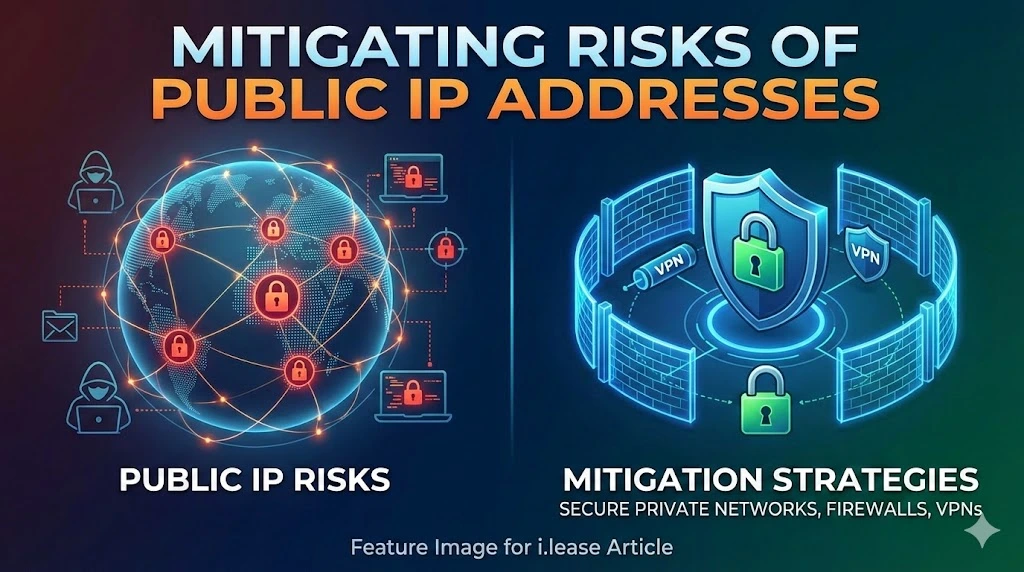
While the risks associated with public IP addresses are significant, several measures can be taken to mitigate these dangers. Here’s a detailed guide on how to protect your network from the potential hazards of using public IP addresses.
Table of Contents
Use Firewalls
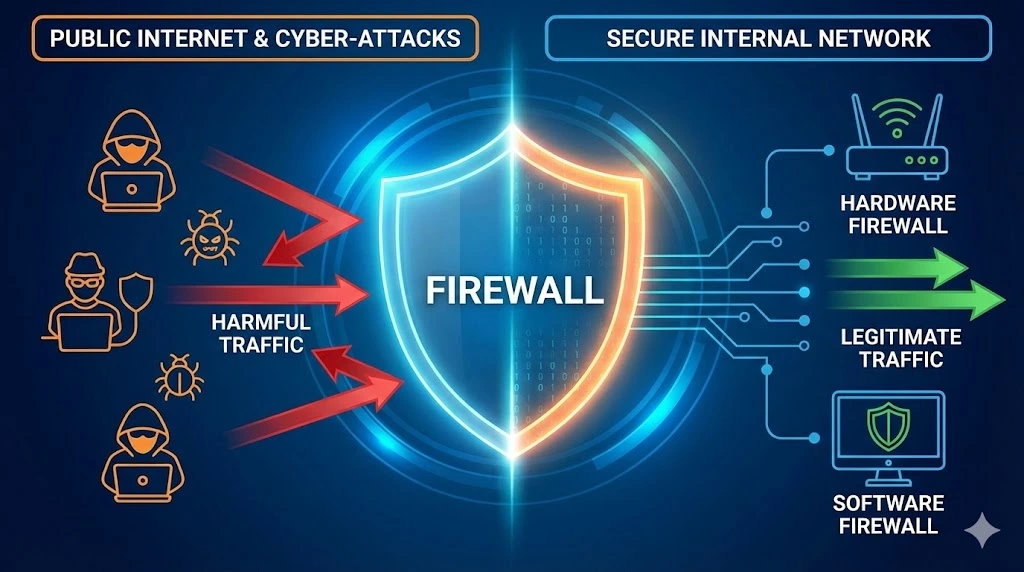
Implementing a robust firewall is one of the first lines of defense against unauthorized access and cyber-attacks. Firewalls act as a barrier between your internal network and the internet, filtering traffic and blocking potentially harmful connections. By monitoring incoming and outgoing traffic based on predefined security rules, firewalls help ensure that only legitimate traffic is allowed through.
Firewalls can be hardware-based, software-based, or a combination of both. For most users, a combination of a hardware firewall provided by their router and a software firewall on their computer or server offers a comprehensive security solution.
Enable Network Address Translation (NAT)
Network Address Translation (NAT) is an essential feature for enhancing security when using public IP addresses. NAT allows multiple devices on a local network to share a single public IP address. This process adds a layer of security by masking the internal IP addresses from an external view, making it more difficult for attackers to target specific devices within your network.
NAT works by translating the private IP addresses of devices within the network into a single public IP address when communicating with external networks. This translation process helps to keep internal network details hidden from potential attackers.
Regular Software Updates
Keeping all software, including operating systems and applications, up to date is crucial for maintaining network security. Software updates often include patches for security vulnerabilities that hackers could exploit. Regularly updating software reduces the risk of these vulnerabilities being used to gain unauthorized access to your network.
Automated update systems can help ensure that your software remains current. For critical systems and applications to apply updates as soon as they become available.
Implement Strong Passwords and Authentication
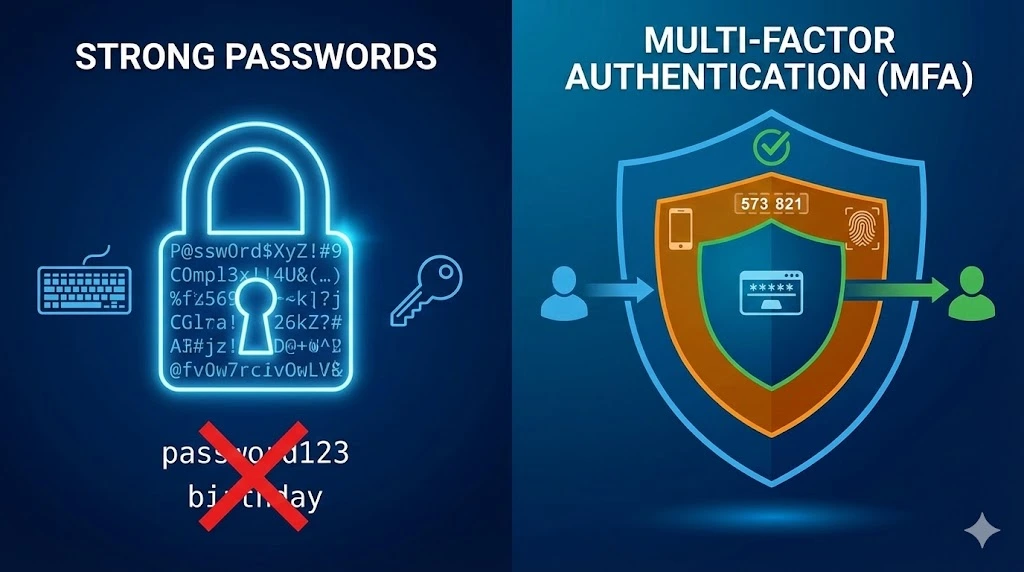
Using strong passwords and multi-factor authentication (MFA) can significantly reduce the risk of unauthorized access. Strong passwords should be complex, containing a mix of letters, numbers, and special characters. Avoid using easily guessable information such as birthdays or common words.
Multi-factor authentication adds an extra layer of security by requiring additional verification steps beyond just the password. This could include a fingerprint scan, a one-time code sent to a mobile device, or other verification methods. Enabling MFA wherever possible enhances security by making it more challenging for attackers to gain access to accounts and devices.
Trusted IPv4 Leasing for Business Growth
Get enterprise-grade IPv4 space quickly, with seamless deployment and end-to-end management.
FAQs
Can someone hack me with just my Public IP address?
Not directly. Knowing your IP address is like knowing your home address—it tells people where you are, but it doesn’t give them a key to the front door.
Does a Dynamic IP address protect me better than a Static IP?
Slightly, yes. A Dynamic IP changes periodically (assigned by your ISP), making it harder for hackers to target you over a long period. A Static IP remains the same, making it a consistent target for Distributed Denial of Service (DDoS) attacks if not properly protected.
Is Public Wi-Fi dangerous for my IP address?
Yes. Public Wi-Fi networks (like in cafes) often lack encryption. Hackers on the same network can potentially intercept your data or perform “Man-in-the-Middle” attacks. Always use a VPN or disable “File Sharing” when connecting to public hotspots to mitigate this risk.